Step 1 – Visit the official Website to login: GoComet
Step 2 – You will be shown the login page
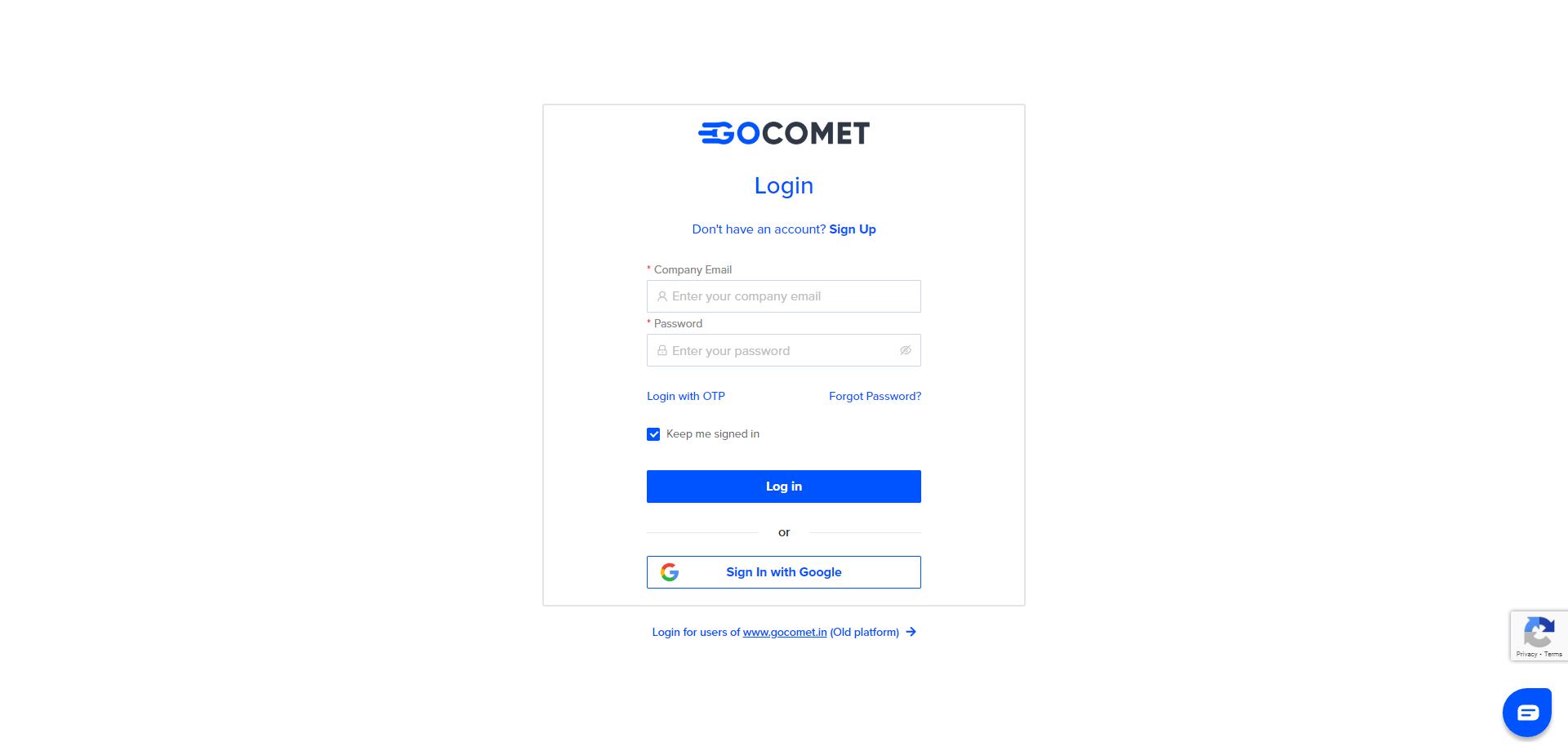
Step 3 – Enter the Required credentials – Email Id & Password
Click on “Log In”
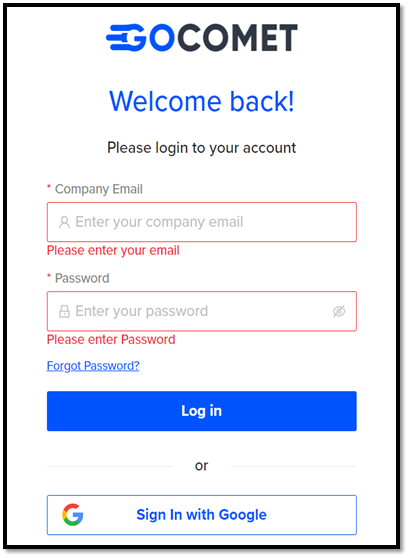
If you have entered the correct login and password, you will be logged in successfully.

If you are unable to login, please follow the below steps.
Forgot Password
Step 1- Click on “Forgot Password” to change the password
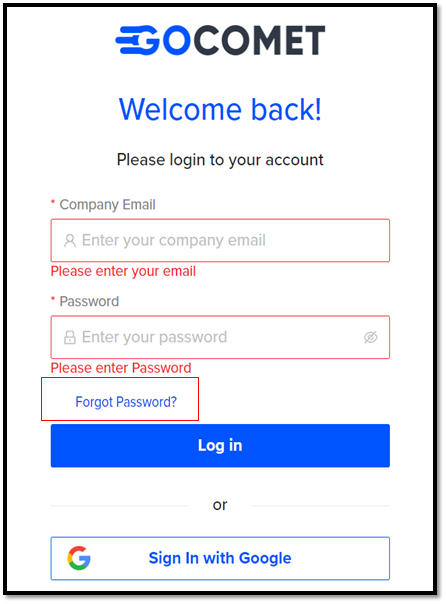
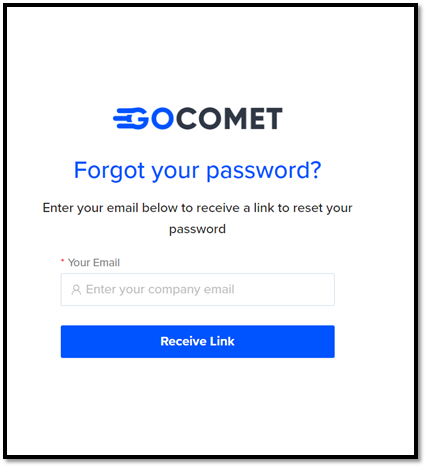
Step 2 – You will be redirected to “Forgot Your Password?” Page
Enter your Registered E-Mail Id and click on “Receive Link”
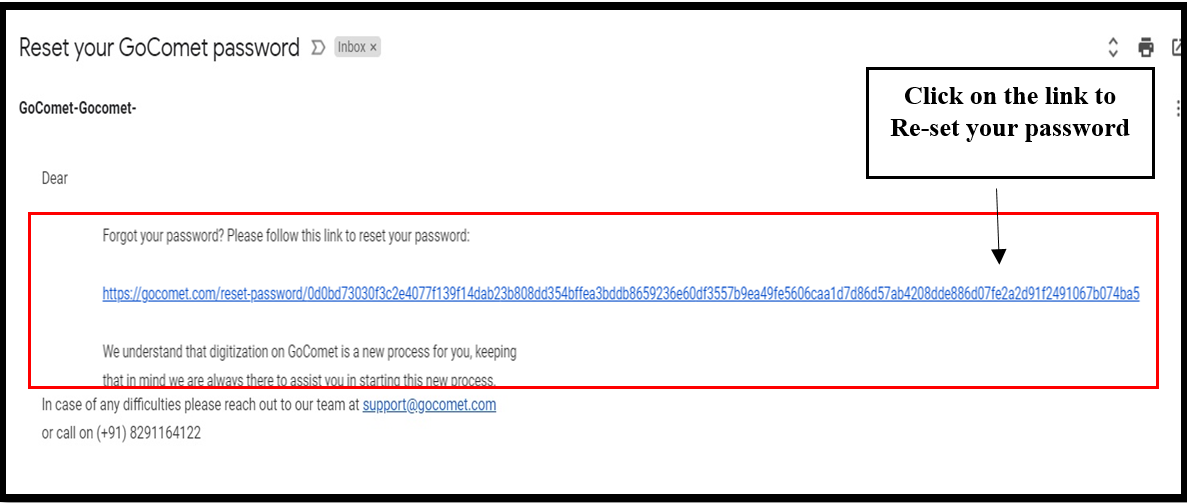
Once you click on receive link, you will receive an automated mail from GoComet to reset your password.
(Note: Please check your spam box, if you haven’t received your mail)
Step 3 – Click on the link received on the registered E-Mail Id
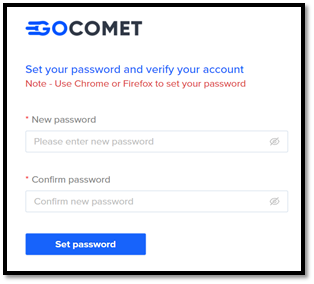
Step 4 – Input the “New password” and ensure it by “Confirm Password”. Click on the “Set password” button.
For further assistance, please feel free to drop us a mail at support@gocomet.com
Was this article helpful?
That’s Great!
Thank you for your feedback
Sorry! We couldn't be helpful
Thank you for your feedback
Feedback sent
We appreciate your effort and will try to fix the article