In this article we will understand:
Document buckets and their working
How to upload documents in these buckets
Document buckets and their working:
For an asset, different types of documents are issued time and again, to save documents against the assets, certain document buckets should have been created in the asset management module
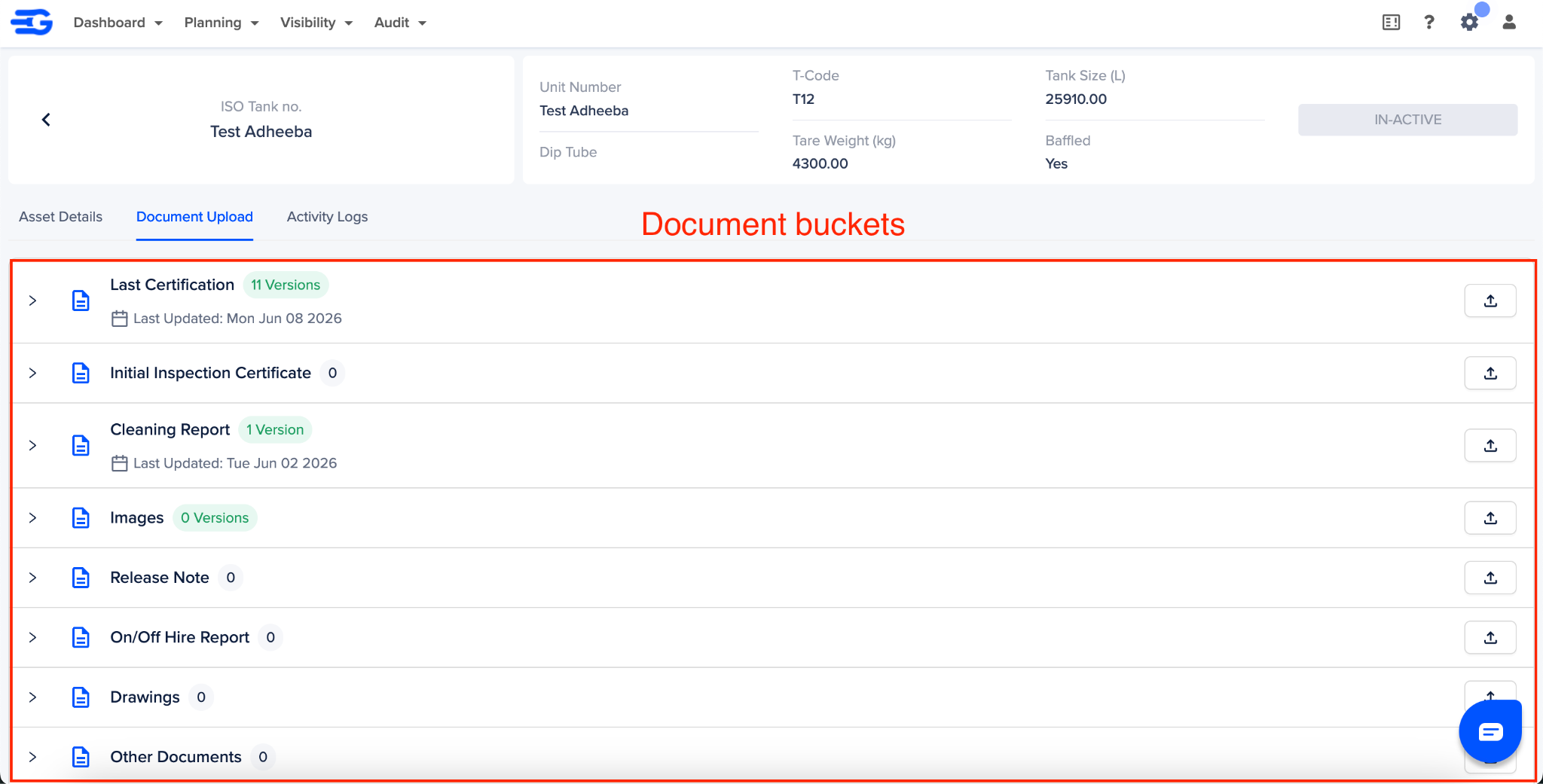
Go through the table below to understand the how these buckets work:
Note:
There is no uper cap on the number of documents a bucket can hold
For buckets for which “Document Reading” is marked yes, are read by GoComet, to update certain fields like T-Code, next test due date, tank size, etc.
You can find more on document reading in this document
How to upload documents
Follow these steps to upload documents against an asset:
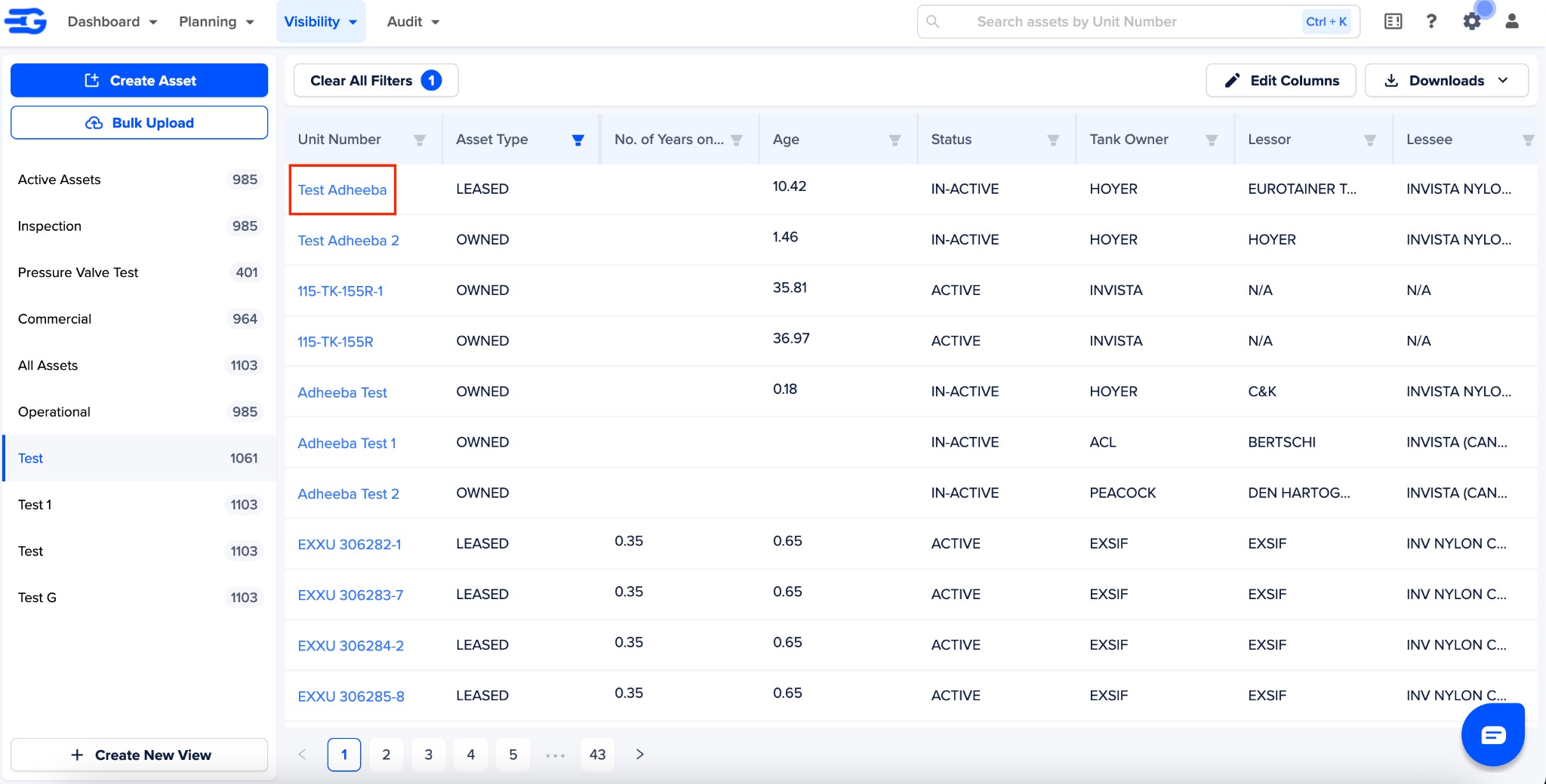
In the asset management module, click on the asset unit number you want to upload the document against
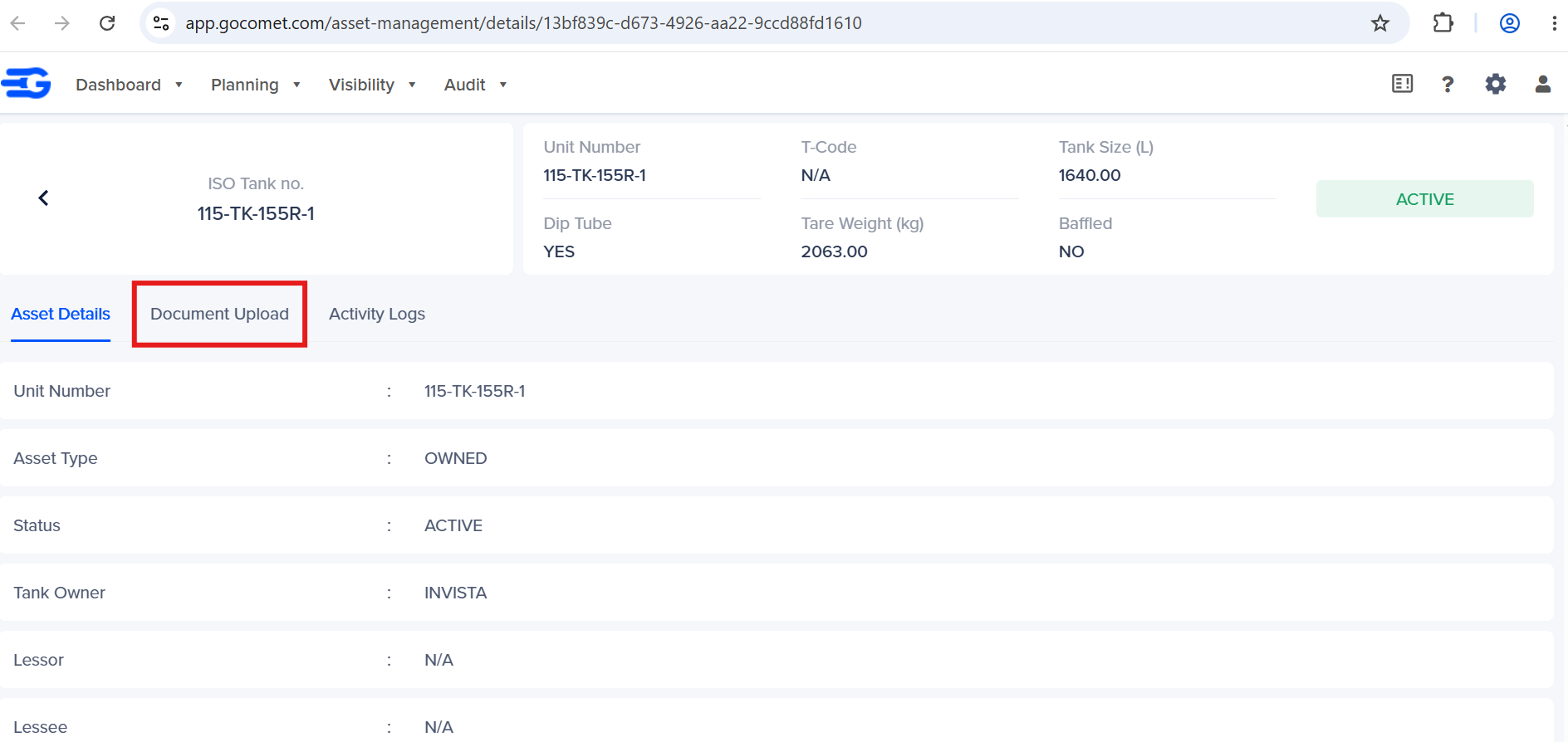
This will open the detail page of this asset. Now click on “Document Upload” tab
Locate the document the bucket and click on the “Upload” icon to upload document from your system.
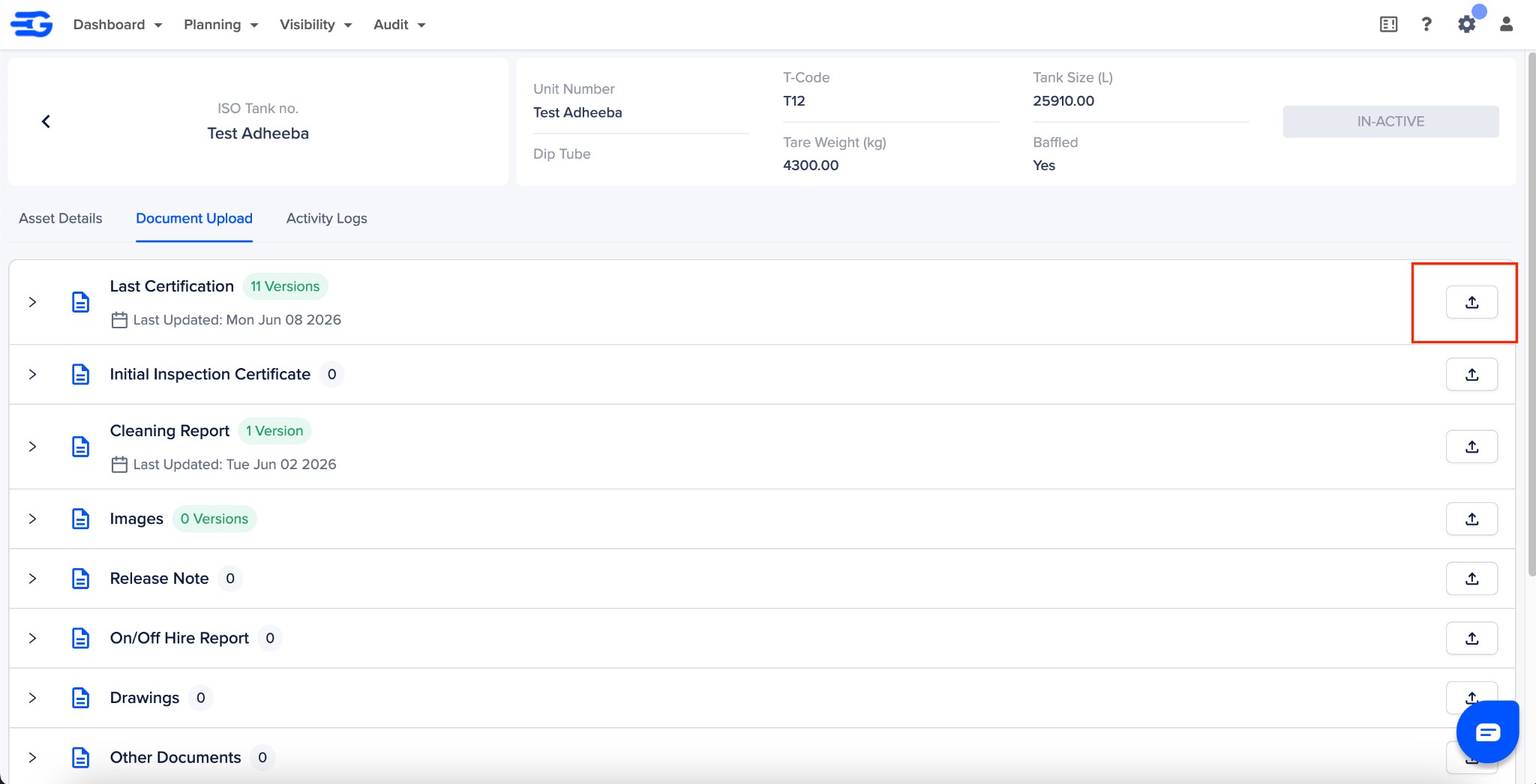
- You can also click on the bucket ribbon to view all the documents uploaded in this bucket, till date.
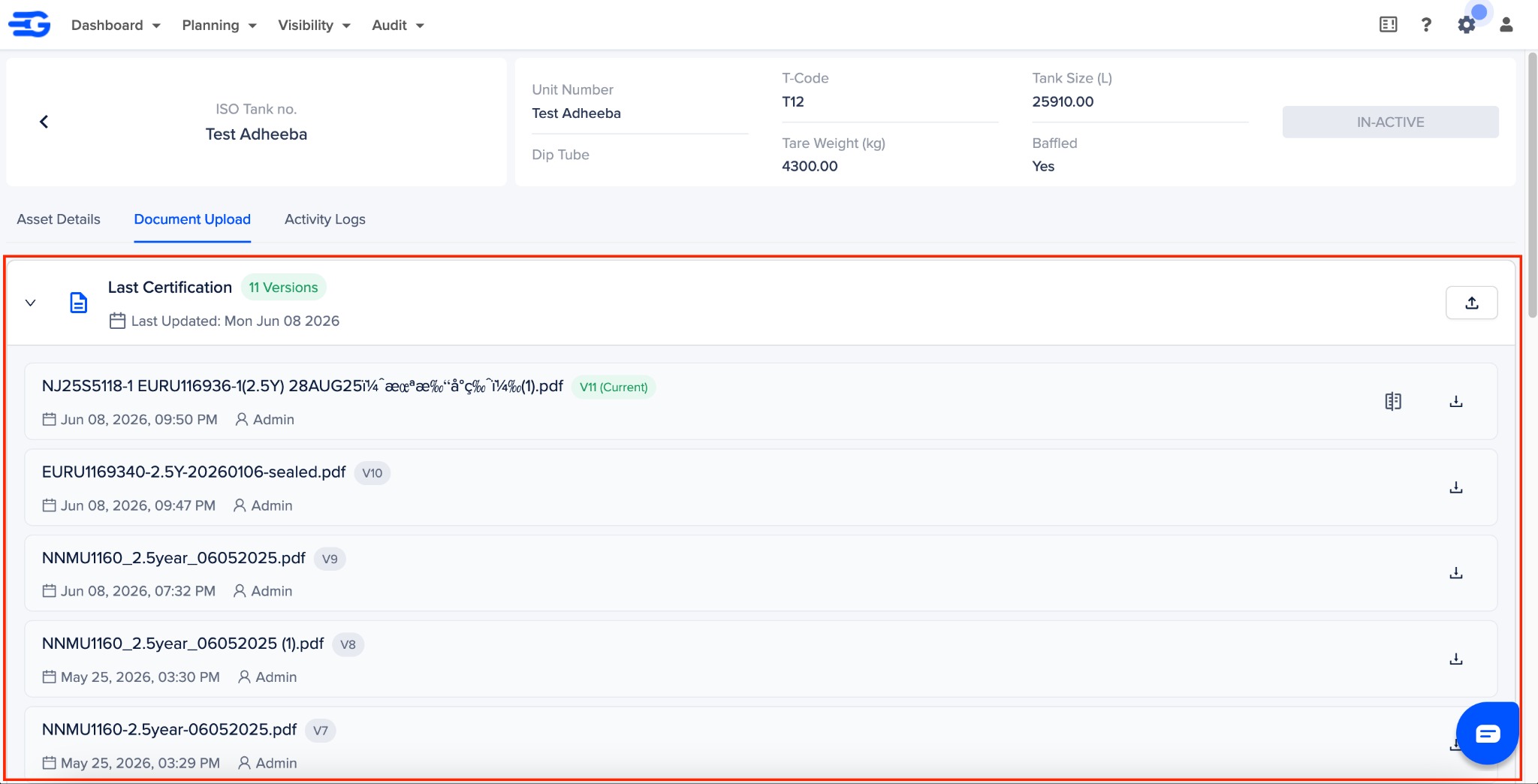
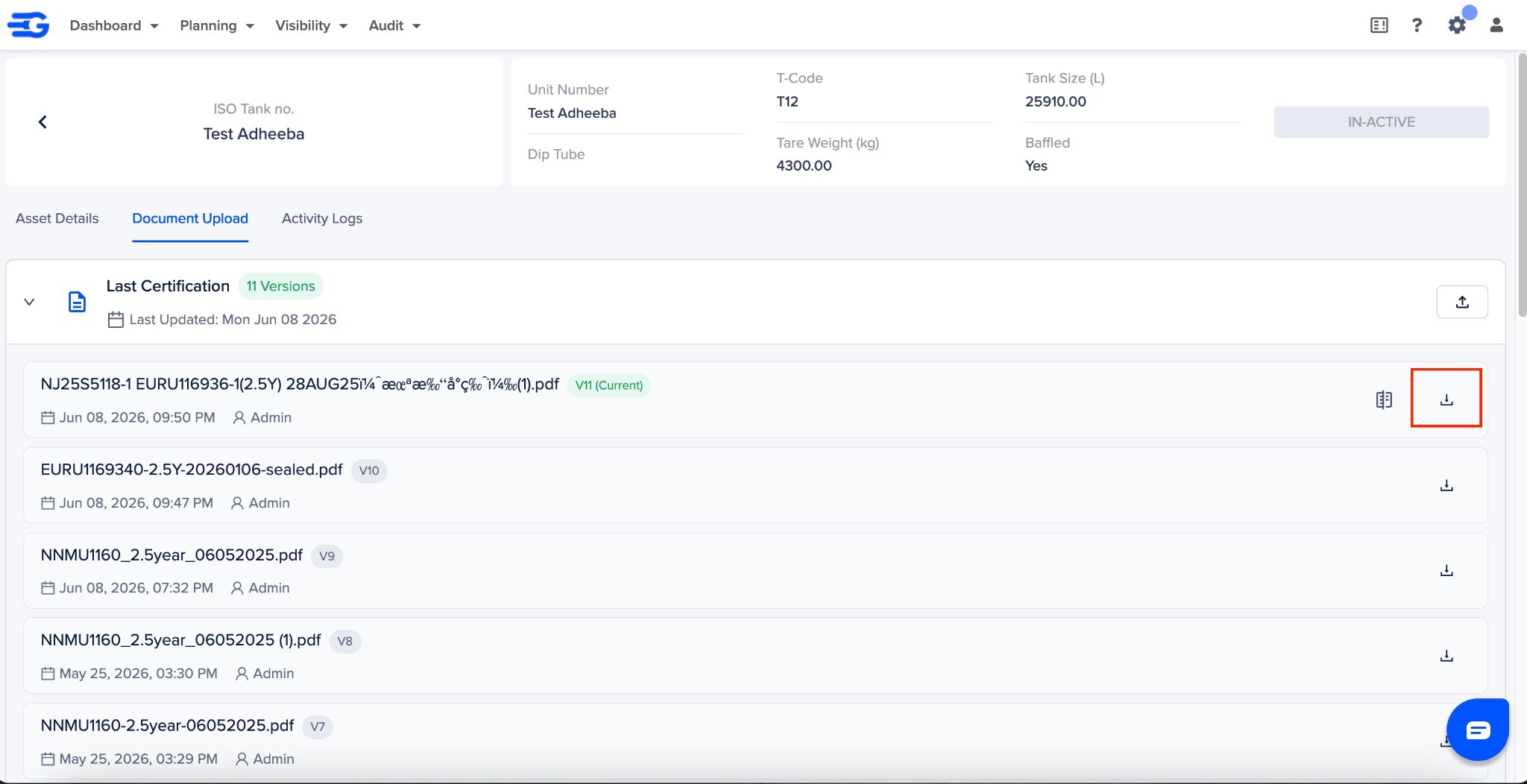
- Click on the download icon next to the documents, to view or download them
Was this article helpful?
That’s Great!
Thank you for your feedback
Sorry! We couldn't be helpful
Thank you for your feedback
Feedback sent
We appreciate your effort and will try to fix the article